1
/
of
1
Printer Genie
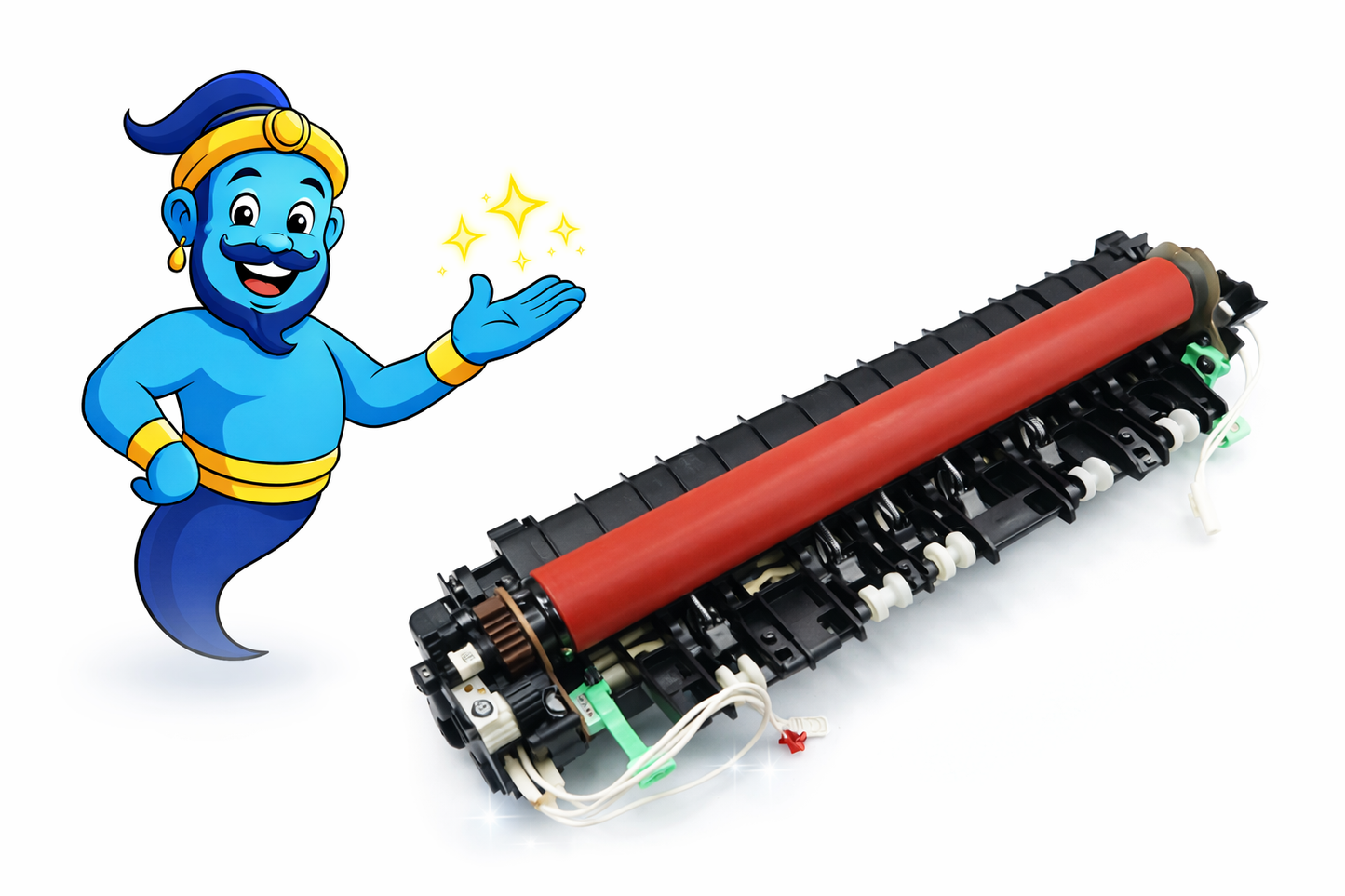
Brother HL-2130 HL-2270DW HL-3140CW LY3704001 Fuser Unit
Brother HL-2130 HL-2270DW HL-3140CW LY3704001 Fuser Unit
Regular price
£45.00 GBP
Regular price
Sale price
£45.00 GBP
Unit price
/
per
Shipping calculated at checkout.
Condition: Refurbished
Couldn't load pickup availability
Brother HL / Colour HL Series Fuser Unit – LY3704001 – Installation Support Available
Condition: Refurbished
Restore correct heat and pressure performance with this refurbished Brother fuser unit. Designed to resolve common fuser-related print faults including smudging, ghosting, poor toner adhesion, wrinkled output, and fuser life warnings.
This refurbished fuser unit has been professionally cleaned, inspected, and tested to ensure correct operating temperature and pressure. Worn components are replaced where required to maintain reliable fixing performance.
Highlights
- Direct-fit fuser unit for Brother HL laser printer series
- OEM Part Number: LY3704001
- Also replaces: LY2488001
- Fully tested and inspected for reliable operation
- Printer Genie expert email installation support available
Specifications
| Component | Fuser Unit (complete assembly) |
|---|---|
| OEM References | LY3704001, LY2488001 |
| Condition | Refurbished |
| Fitment | Internal rear fuser assembly |
| Printer Technology | Laser |
What’s Included
- 1 × Brother Fuser Unit – LY3704001 (Refurbished)
Compatibility
View Compatible Models
- Brother HL-2130 / HL-2135W
- Brother HL-2240 / HL-2240D / HL-2250DN / HL-2270DW
- Brother HL-3140CW / HL-3150CDW / HL-3170CDW
Install Notes (Quick)
- Power off and unplug the printer. Allow the fuser to cool fully before removal.
- Access the rear cover and remove the fixing assembly retaining screws.
- Slide out the old fuser and install the replacement unit securely.
- Reset the maintenance or fuser counter where required.
Brother fuser-related error messages and fault symptoms
- Fuser Unit Error
- Fixing Unit Error
- Machine Error 50 / 50X
- Replace Fuser
- Fuser Life Warning
Print quality faults caused by a failing fuser
- Toner smudging or rubbing off the page
- Ghosting or repeated images down the page
- Wrinkled or curled paper after printing
- Uneven toner adhesion
- Pages feel hot but toner does not bond correctly
Disclaimer: Fuser-related errors and print defects may have multiple causes. Replacing the fuser unit may not resolve all issues. Further diagnosis may be required.
Share