1
/
of
1
Kyocera
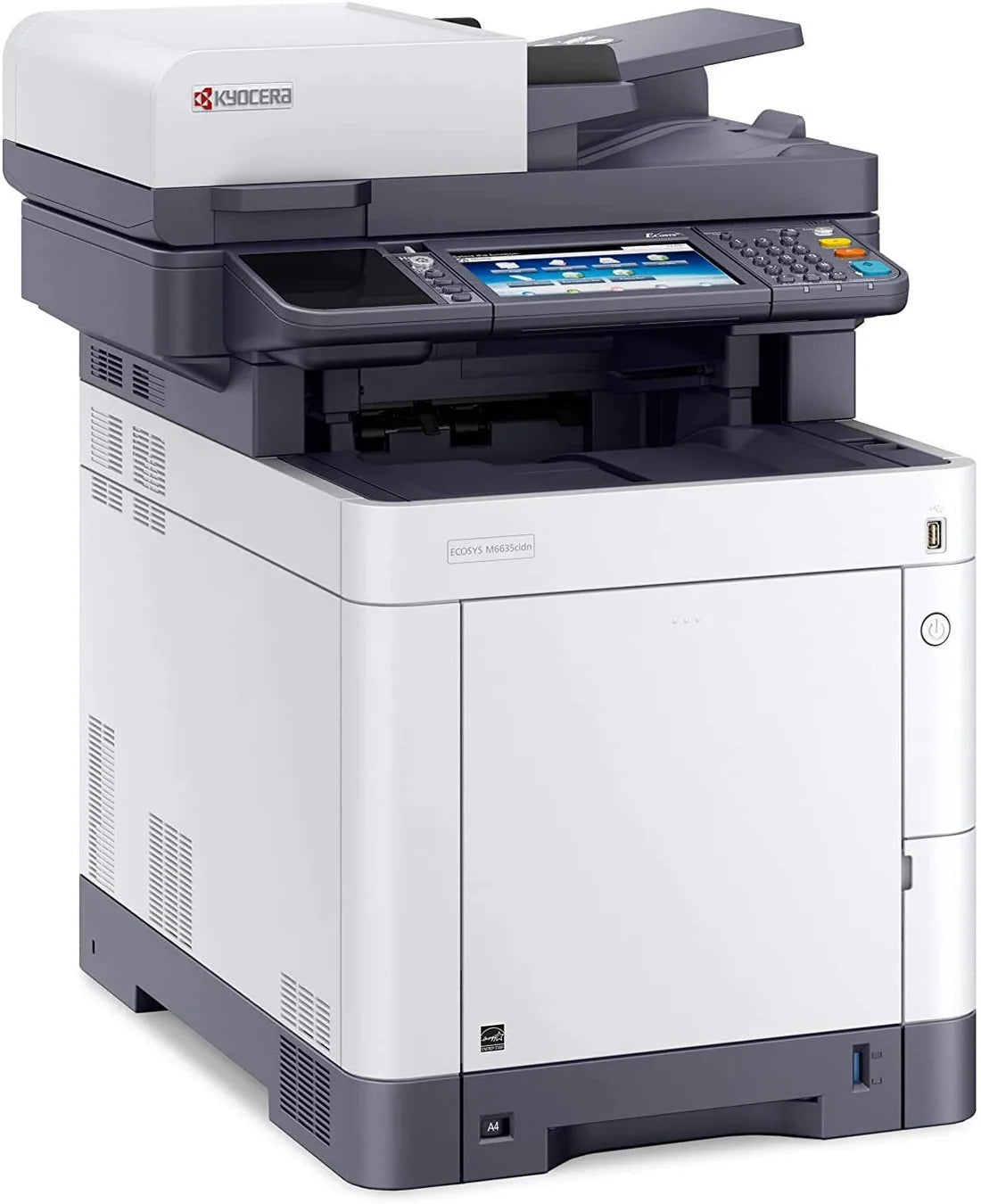
Kyocera ECOSYS M6235cidn A4 Colour Multifunction Laser Printer New no box
Kyocera ECOSYS M6235cidn A4 Colour Multifunction Laser Printer New no box
Regular price
£495.00 GBP
Regular price
Sale price
£495.00 GBP
Unit price
/
per
Shipping calculated at checkout.
Condition: New
Couldn't load pickup availability
Kyocera ECOSYS M6235cidn A4 Colour Multifunction Laser Printer – New Open Box (1102V03NL1)
New Open Box – Brand New & Unused, Supplied in Plain Brown Packaging
Overview:
The Kyocera ECOSYS M6235cidn is a powerful colour MFP designed for small to mid-sized workgroups. With fast print and scan speeds, strong security, and low total cost of ownership, it delivers high performance and reliability in a compact design.
Mobile printing support: KYOCERA Mobile Print app for
iOS and Android, AirPrint, Mopria, Direct Wi-Fi ( Optional Wifi )
Key Features:
- Print/Copy Speed: Up to 35 ppm (mono/colour)
- Scan Speed: Up to 60 ipm (mono), 40 ipm (colour)
- Print Resolution: Up to 1200 × 1200 dpi
- Duplex: Automatic two-sided print, copy & scan
- Connectivity: USB 2.0, Gigabit Ethernet, Mobile Print
Specifications:
- Monthly Duty Cycle: Up to 100,000 pages
- Recommended Volume: Up to 10,000 pages/month
- Memory: 1 GB RAM + 32 GB SSD
- Display: 7-inch colour touchscreen
- Paper Input: 500-sheet tray + 100-sheet MPT (max: 1,600 sheets)
What’s Included:
- Kyocera M6235cidn Printer – Brand New (Plain Boxed)
- Original Starter Toners (CMYK)
- Power Cable & Setup Guide
- 6-Month Printer Genie Warranty
Buy Your Toner from Us – Get FREE Remote Support
Customers who buy toner from Printer Genie get FREE expert help with:
- Print quality problems (streaks, smudges, faded pages)
- Marks or lines on the page
- Paper jams or feed issues
- Error codes and maintenance alerts
If we can't fix it remotely, we'll arrange for an engineer to visit your site — no need for costly downtime.
Kyocera ECOSYS M6235cidn installation | how to fix streaks on print | M6235cidn paper jam tray 1 | toner replacement steps | error light meaning
Share